FlowCE

FlowCE

Calculus on your TI-84 Plus CE.

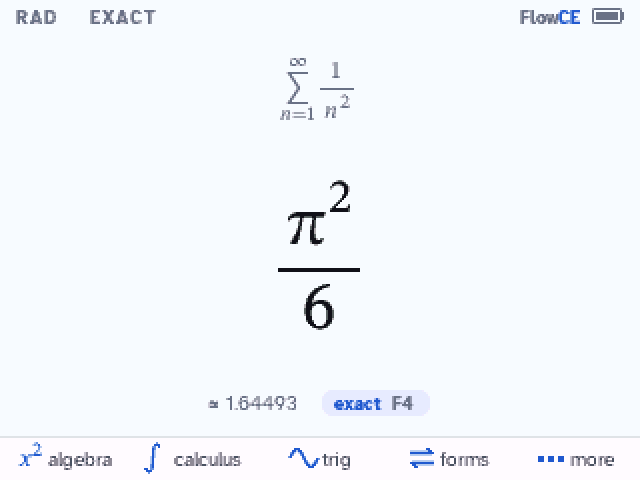
Type math the way it looks. Get answers the way your textbook writes them: π²/6, not 1.64493, with the decimal right under the exact one.

Free and open source (GNU GPL). For the TI-84 Plus CE and TI-83 Premium CE.

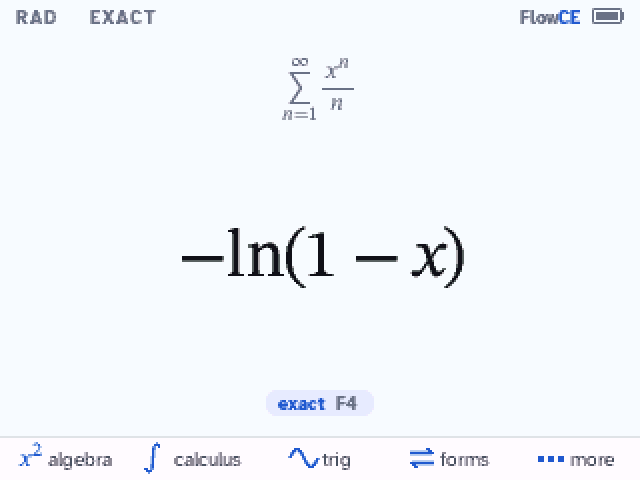
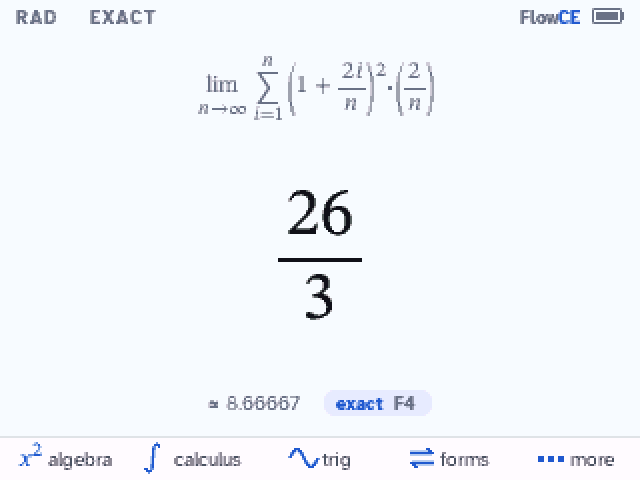
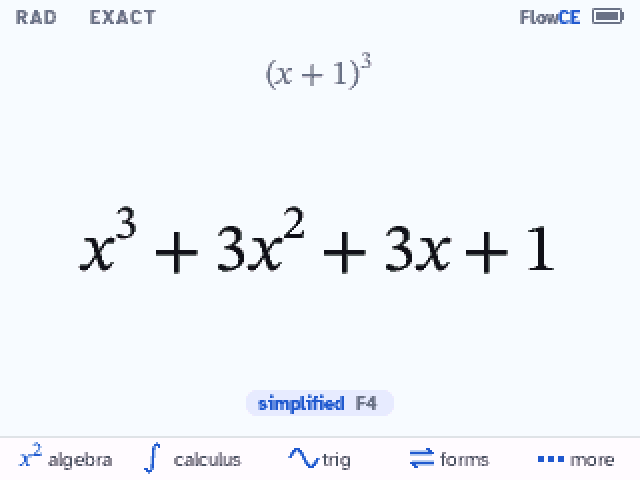
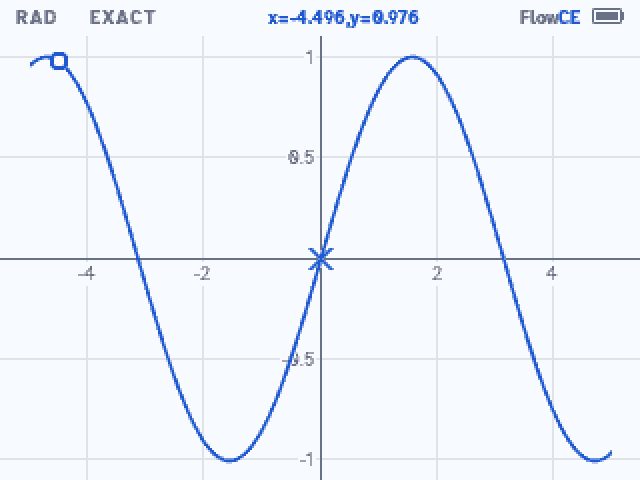
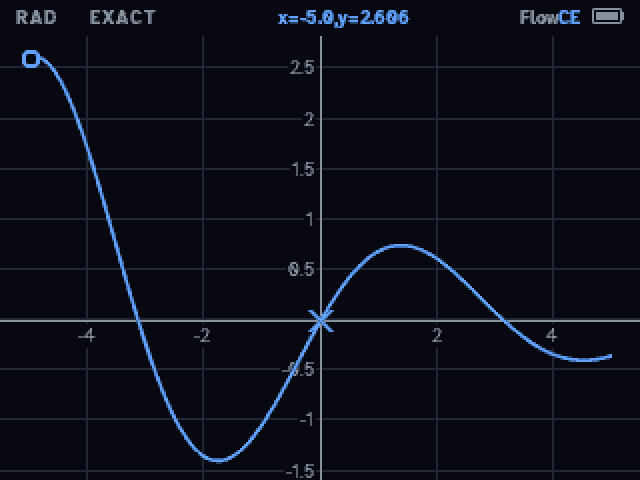
FlowCE on the calculator: a definite integral typed in 2D, the sum of 1/n² giving π²/6, other forms of an answer, and a graph with trace

What it does

x²

Type math as it looks

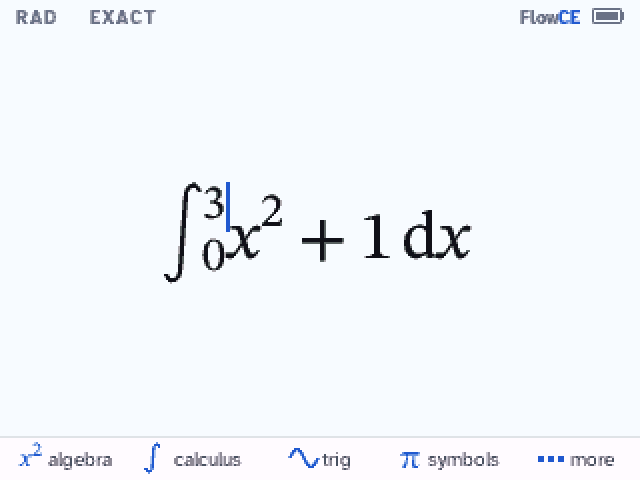
Fractions, powers, roots, integrals, sums, limits and derivatives are drawn in 2D while you type. / makes a fraction of what is before it, and the arrows move through the boxes in the order you read them. Commands come with a labeled box for each argument and a hint with an example.
∫

Answers like your textbook

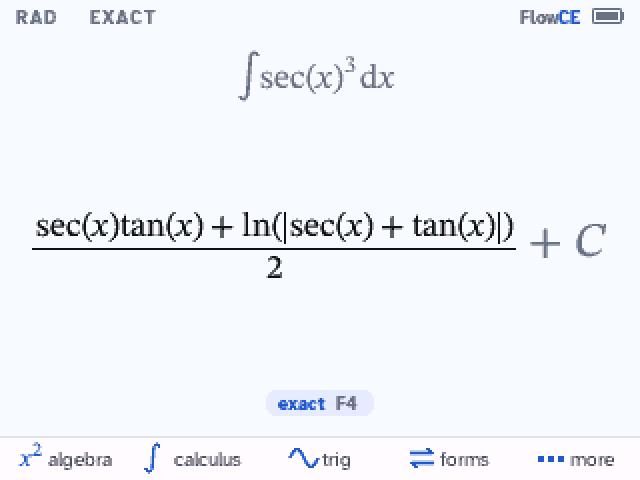
arctan((x+1)/2), x − x³/6 + x⁵/120, + C on antiderivatives, log meaning base 10, polynomials in descending powers. F4 shows other forms: factored, expanded, one fraction, decimal.

Σ

Calculus 1 and 2

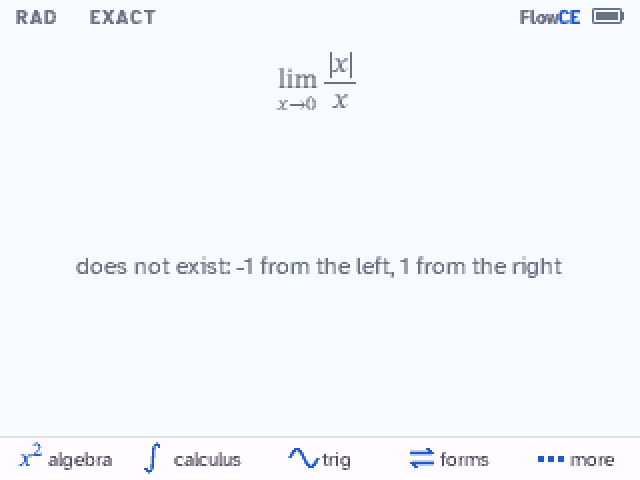
Derivatives; integrals with trig substitution, partial fractions and arc length; improper integrals that say when they diverge; limits that say when they don't exist; series, power series, Taylor series, Riemann sums and differential equations.

⏎

Keys that work like a TI's

(−) is a minus sign and 2nd (−) is Ans. Starting a line with × 2 doubles the last answer, 2nd enter brings back your last entry, and sto→ stores.

∿

Graphs

Graph the line you typed, or the last answer, in one step. Trace along the curve, zoom, find roots and extrema, and see a table of values.

◐

Light and dark

A clean Paper theme and a Night theme, switched from the more menu. Your session is kept when you quit.

On the calculator

Install

You need a TI-84 Plus CE (or TI-83 Premium CE) on OS 5.3 to 5.8.4 and its USB cable. Install it from this page in Chrome, Edge, Opera or Brave on a computer (on Windows, with TI Connect CE 6.1 or newer installed), or with TI Connect CE. FlowCE fills most of the calculator's memory (2.8 MB), so installing it starts by clearing the archive (all apps and archived files): back up anything you want to keep first. FlowCE is a computer algebra system: follow your class and test rules on calculators.

  1. 1

    Connect it

    Plug the calculator into this computer and turn it on. Close TI Connect CE if it's open. Connecting only checks the calculator: it changes nothing.

  2. 2

    Install FlowCE

    FlowCE needs almost all of the calculator's memory, so its archive is erased first: all apps and archived programs and variables go (the OS and what's in RAM stay). Back up anything you want to keep.

    This page erases the calculator, sends FlowCE (45 files) and opens its installer. To erase it yourself instead: 2nd + (MEM) → 7 Reset… → right arrow to ARCHIVE → 3 Both… → 2 Reset, then connect again.

  3. 3

    Press enter on the calculator

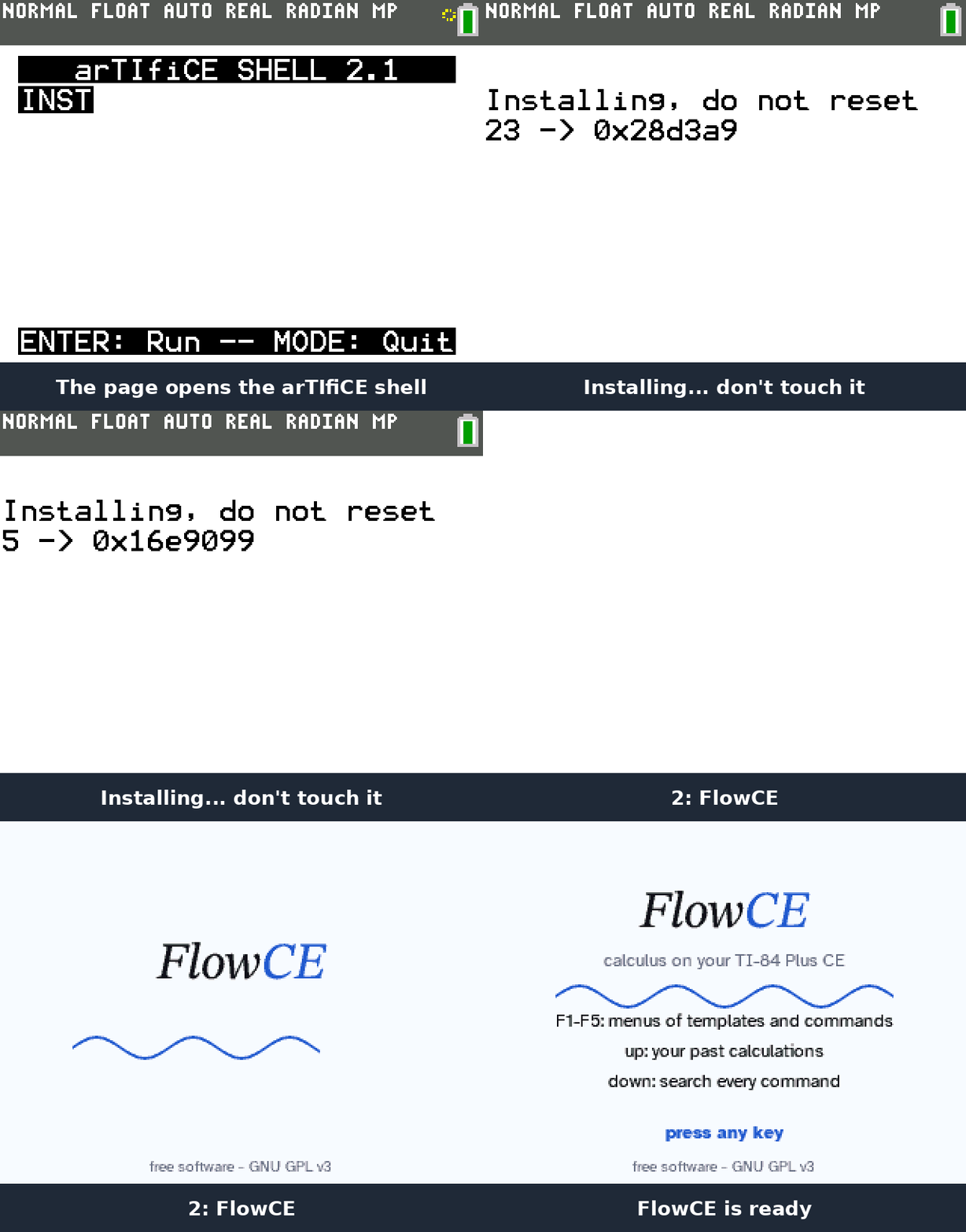
    1. The calculator shows the arTIfiCE shell with INST: press enter. That's the only key to press.
    2. INST installs FlowCE, counting down from 42 to 0, then the calculator restarts by itself ("RAM Cleared"). Don't touch it meanwhile.
    3. Press apps → FlowCE.
    The arTIfiCE shell with INST, enter, the countdown, RAM Cleared, then apps and FlowCE
Install with TI Connect CE instead
  1. Clear the archive: 2nd + (MEM) → 7 Reset… → right arrow to ARCHIVE → 3 Both… → 2 Reset.
  2. Download FlowCE.b84, drag it onto the calculator in TI Connect CE and send it (45 files: AppIns00 to AppIns42, A and INST).
  3. prgm → enter → enter opens the arTIfiCE shell; enter starts INST and enter again installs. It counts down from 42 to 0.
  4. At "Success! Will now reset", press enter.
  5. clear, then apps → FlowCE.
If something goes wrong
  • "Connect" can't open the calculator on Windows: update TI Connect CE to version 6.1 or newer (its new USB driver works with browsers), unplug the calculator and plug it back in.
  • "Connect" can't open the calculator on a Mac or Chromebook: close TI Connect CE (it may be holding the calculator), unplug the calculator, plug it back in and try again.
  • Linux: let the browser use the calculator with a udev rule, for example SUBSYSTEM=="usb", ATTRS{idVendor}=="0451", ATTRS{idProduct}=="e008", TAG+="uaccess" in /etc/udev/rules.d/69-ti-calc.rules, then plug the calculator in again.
  • Still not enough free memory after the erase: some calculators keep apps through the erase, often TI's language apps (Español, Français…). Delete them in TI Connect CE, or on the calculator: 2nd + (MEM) → 2 Mem Mgmt/Del… → Apps…, then del on each. Then connect again.
  • The calculator shows "RAM Cleared" but this page still waits: FlowCE is installed; press apps → FlowCE.
  • The screen freezes at "Success! Will now reset" (when installing with TI Connect CE): press the reset button on the back of the calculator (a pen tip or a paperclip). FlowCE stays installed.
  • The calculator acts strangely (menus glitch, TI Connect CE stays on "refreshing"): clear the RAM: 2nd + → 7 Reset… → 1 All RAM… → 2 Reset. This does not remove FlowCE.
  • OS 5.8.5 or later: the installer uses arTIfiCE v2.1, which works up to OS 5.8.4. Newer OS versions need arTIfiCE v3, which FlowCE doesn't support yet.

Keys

F1 to F5menus: algebra, calculus, trig, symbols, more (with 2nd or alpha: more menus; the arrows wrap around)
mathtemplates: fraction, root, integrals, derivative, limit, sum
▲ / ▼history / search every command
enter on a history linereuses that input or answer
F4 on an answerits other forms
(−)a minus sign; 2nd (−) is the last answer (Ans)
+ − × ÷ ^ firstworks on the last answer, as on a TI (× 2 is Ans·2)
2nd enterthe last input again (ENTRY); press again for the one before
sto→stores a value: 5 → b
[ {brackets that close themselves; ] } step out
clearerases the line; on an empty line, the answer
on or clear while computingstops the calculation
more → Graphgraphs the line or the answer; in the graph: F2 window and curve study, 2nd graph table
2nd quitquit (your session is kept)

Credits

FlowCE is a fork of KhiCAS by Bernard Parisse. The math engine is Giac, by Bernard Parisse and contributors (Institut Fourier, Université Grenoble Alpes). The console interface was adapted from Eigenmath for the Casio Prizm by G. Maia, Mike Smith, Nemhardy and LePhenixNoir. Thanks to Adrien Bertrand, Xavier Andreani and the TI-83/84 development community, especially Jacob Young, commandblockguy and Matt Waltz. The installer is arTIfiCE by YvanTT; this page talks to the calculator with code adapted from ticalc-usb by Tim Franssen and tilibs. Fonts: Atkinson Hyperlegible (Braille Institute) and STIX Two.